Timeoff features
at a glance
From personal calendars and approval flows to reports ready for ERGANI II and stronger security, Timeoff brings together everything you need for more organised workforce management.
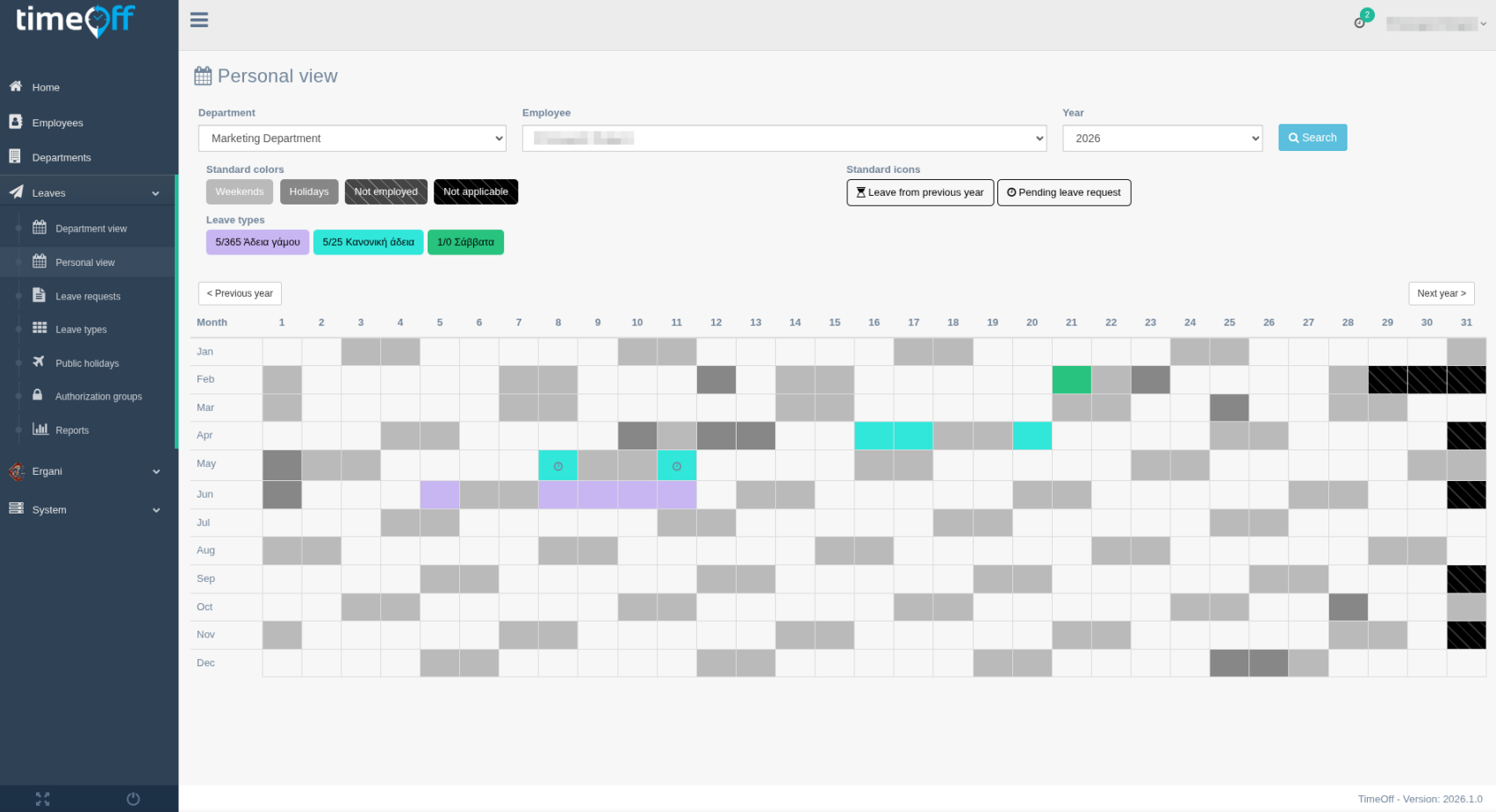
Personal calendar
Each employee gets an immediate view of their own leave plan.
Track approved, pending, upcoming, and even previous-years leave in a clear calendar view, with filters and colour coding that help you find the information you need without delay.
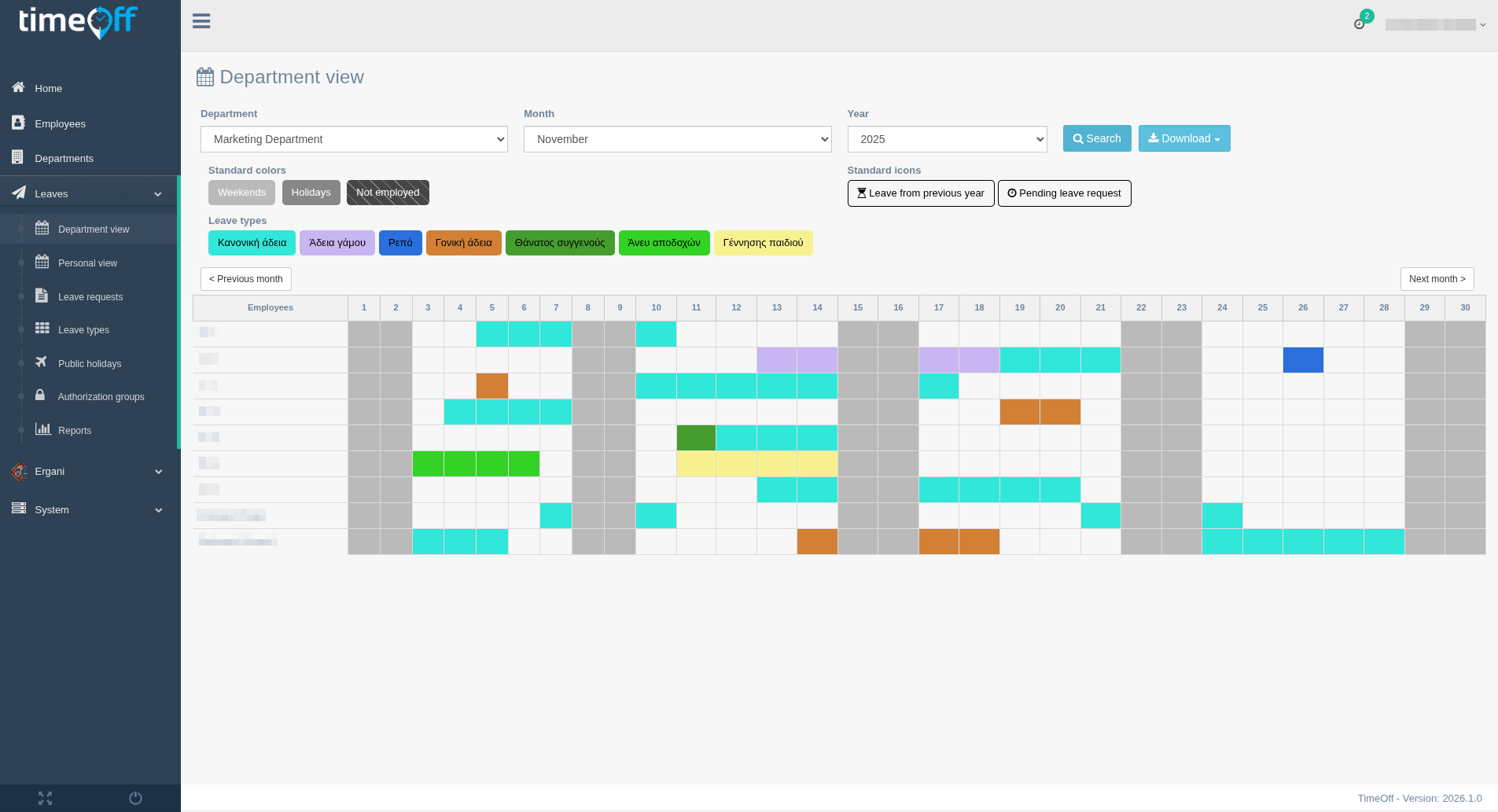
Department calendar
Shared visibility helps teams plan better and avoid overlaps.
See at a glance who is away in each department, so responsible teams can organise available resources more effectively.
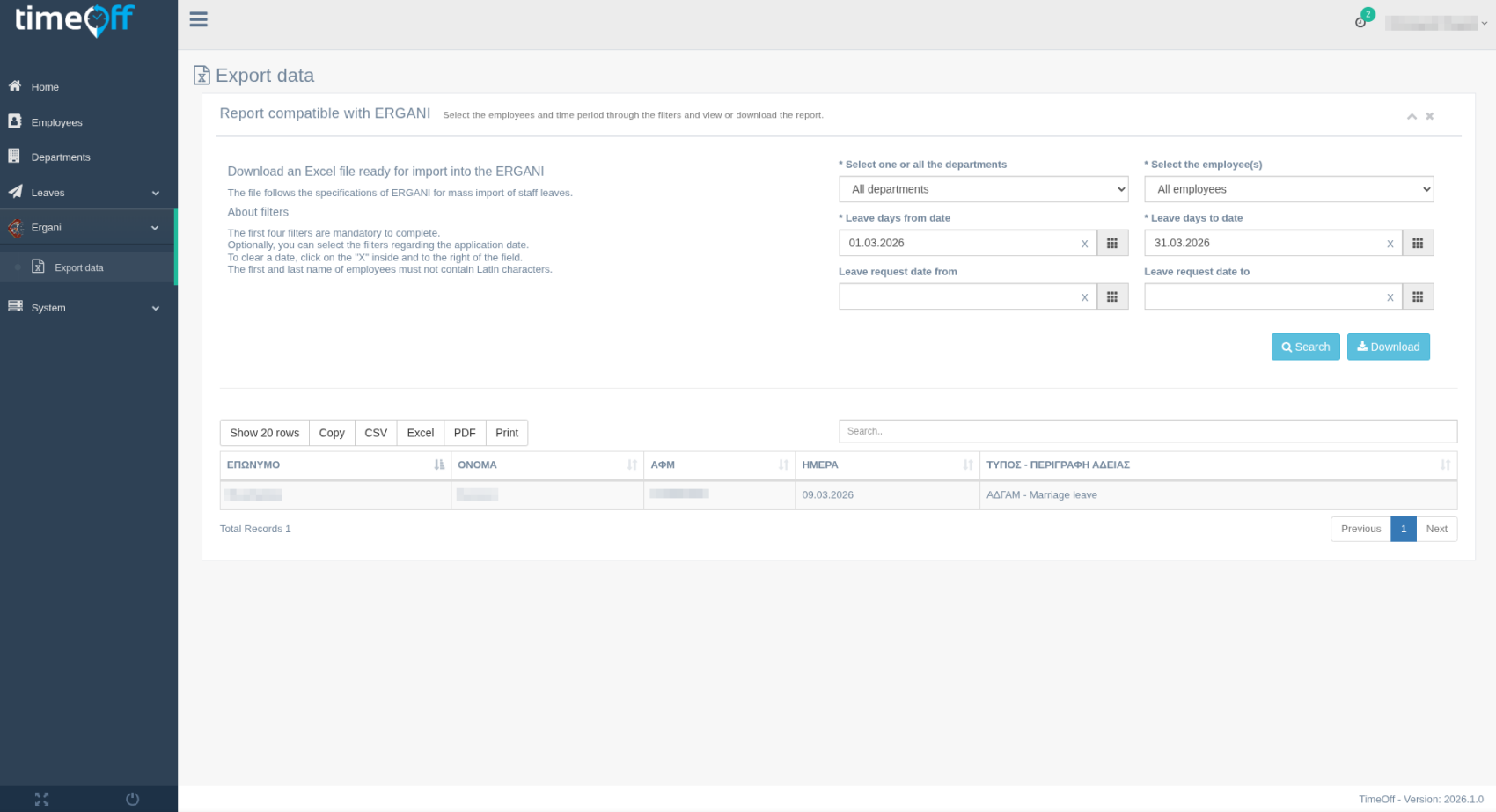
ERGANI II Information System
Support modern compliance and workforce administration requirements.
Timeoff helps your company or organisation organise leave-related data and supporting HR information so preparation and handling of workflows connected with ERGANI II become simpler and more structured.

Email notifications
The right people stay informed at the right time.
Automatic emails keep employees, managers, and HR updated about requests, approvals, rejections, and important changes without relying on manual follow-up.
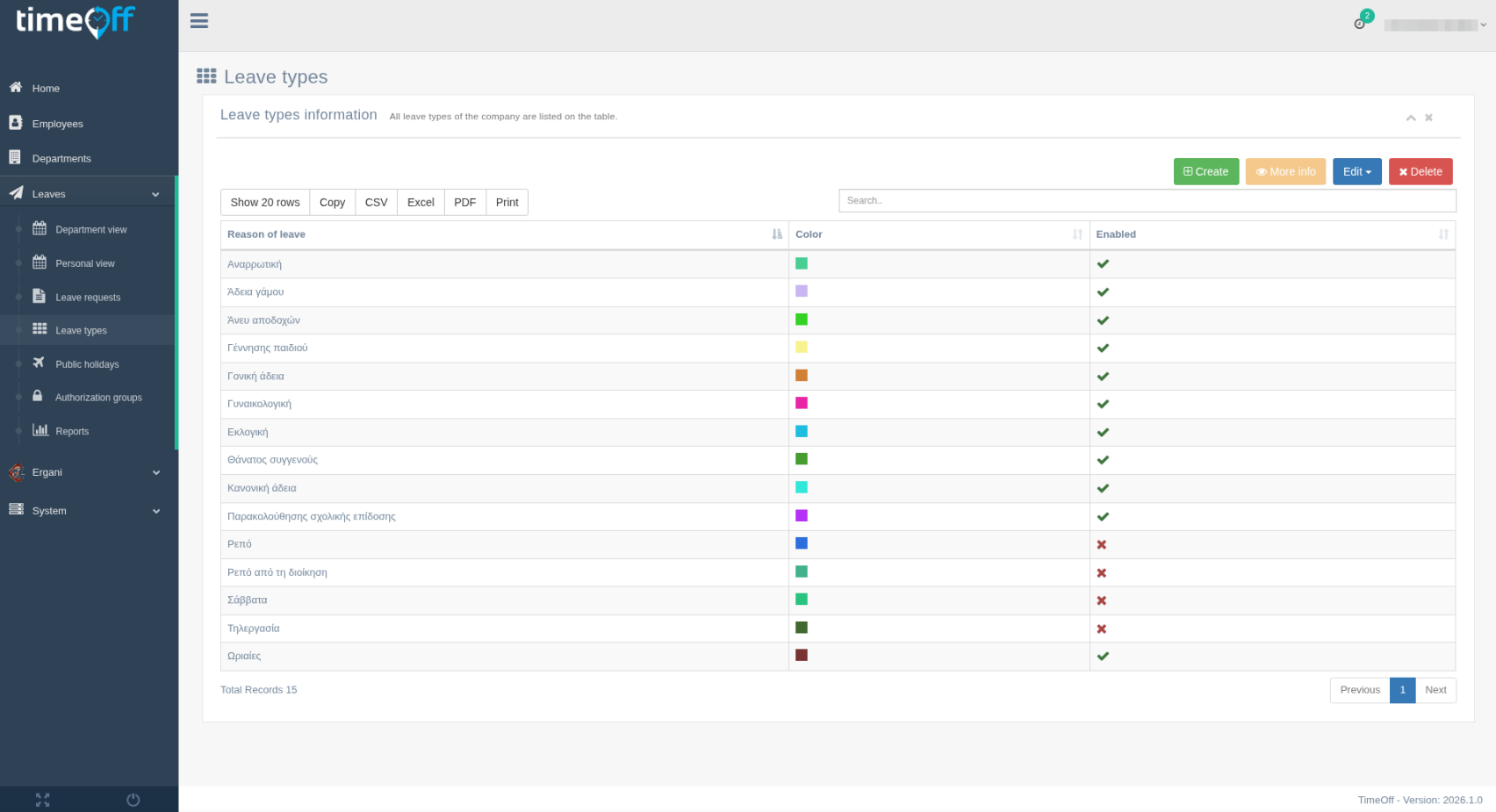
Manageable leave types
The platform adapts easily to your internal leave policy.
Define the leave types your company or organisation needs, along with the relevant permissions and behaviour for each one, so the interface reflects your company or organisations real structure and internal processes.
Depending on the leave type, you can add fields such as:
✓ Required document
✓ Date
✓ Multiple choice
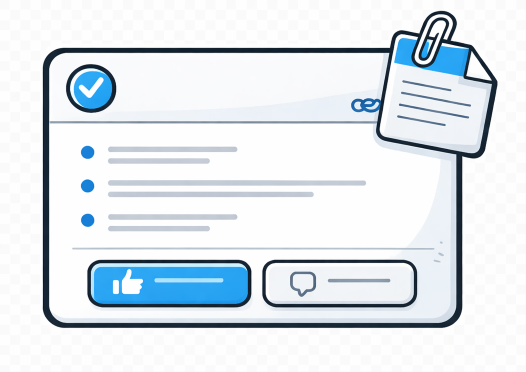
File attachments on requests
Supporting documents stay attached to the request itself.
Users can attach files when needed, such as supporting documents or internal forms, so every request keeps a complete and easy-to-review history.
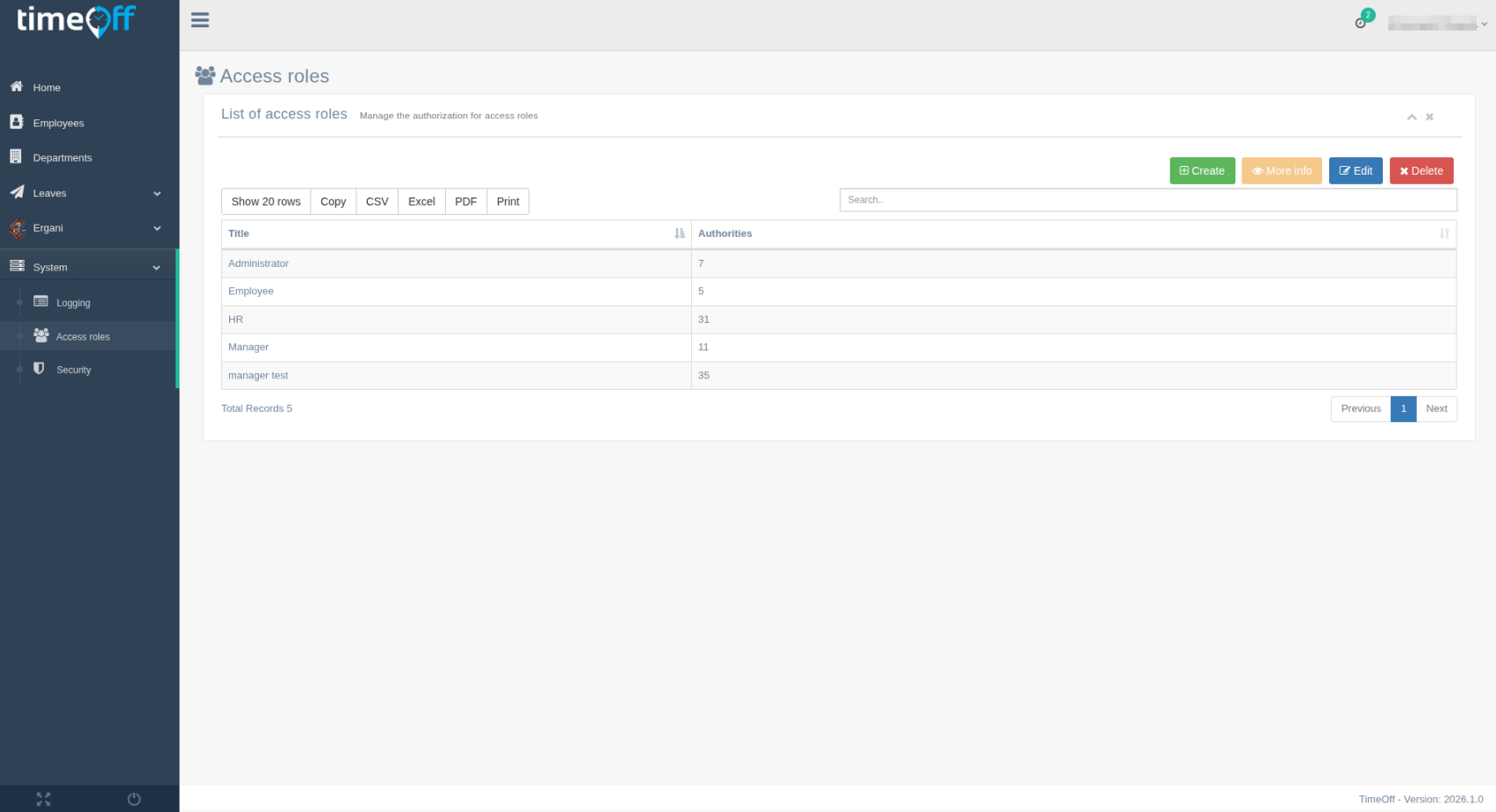
Access Roles
Each role sees exactly what it needs to see.
Use distinct permissions for employees, managers, HR, and administrators so data stays protected while still being available where it creates operational value.
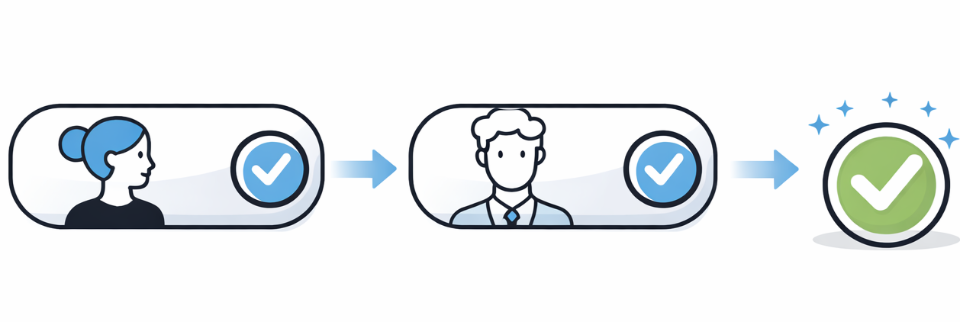
Multiple approval levels
Approval chains can match your company or organisation structure.
Create approval groups with as many levels as you need and assign each groups members according to how your company or organisation actually operates, even across different departments, so the approval process fits your internal workflows.
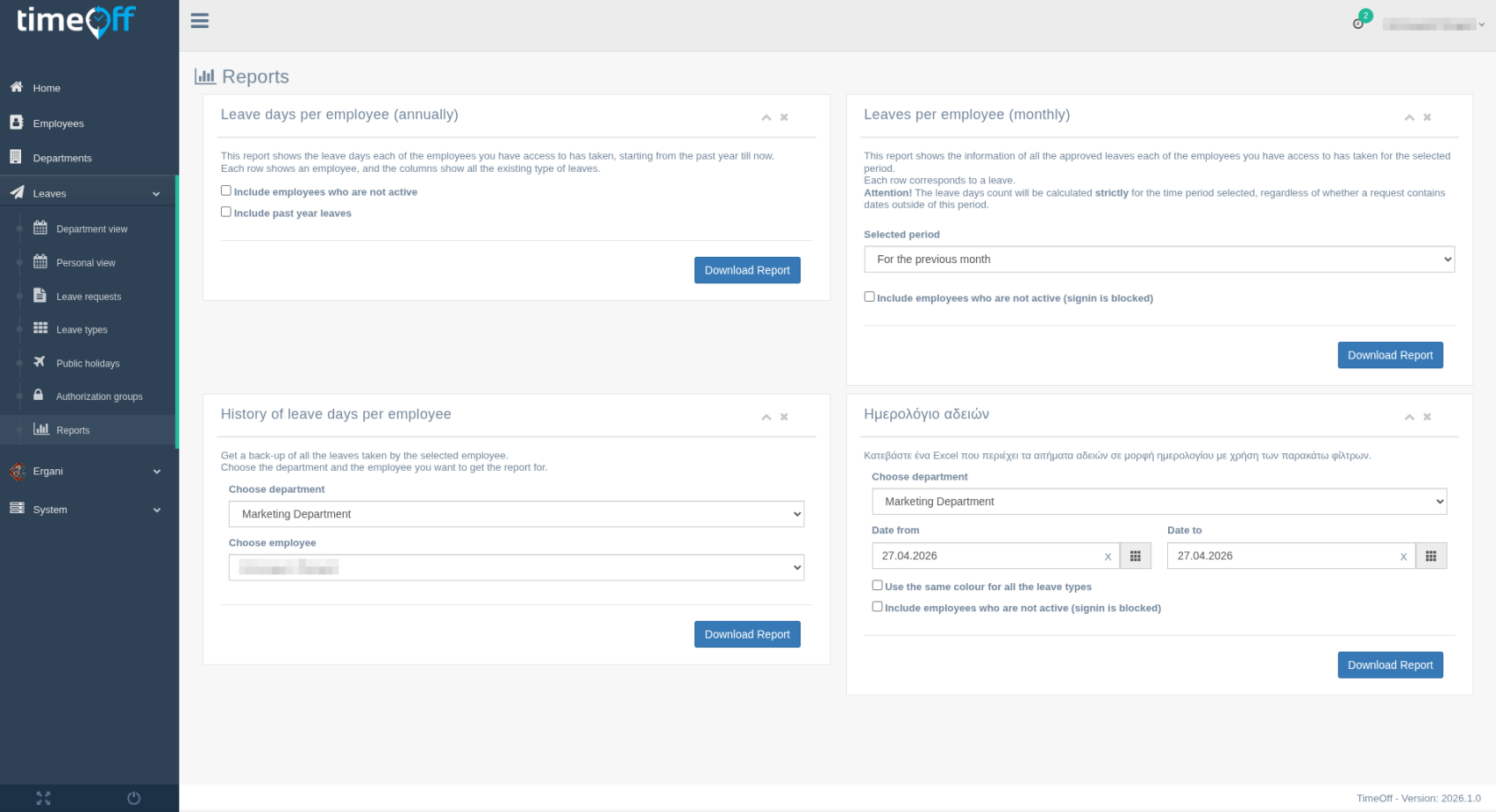
Reports
Leave data becomes useful information for daily HR work.
Use reports and summaries for balances, absences, and leave patterns so your team can make faster decisions and support day-to-day HR operations more effectively.
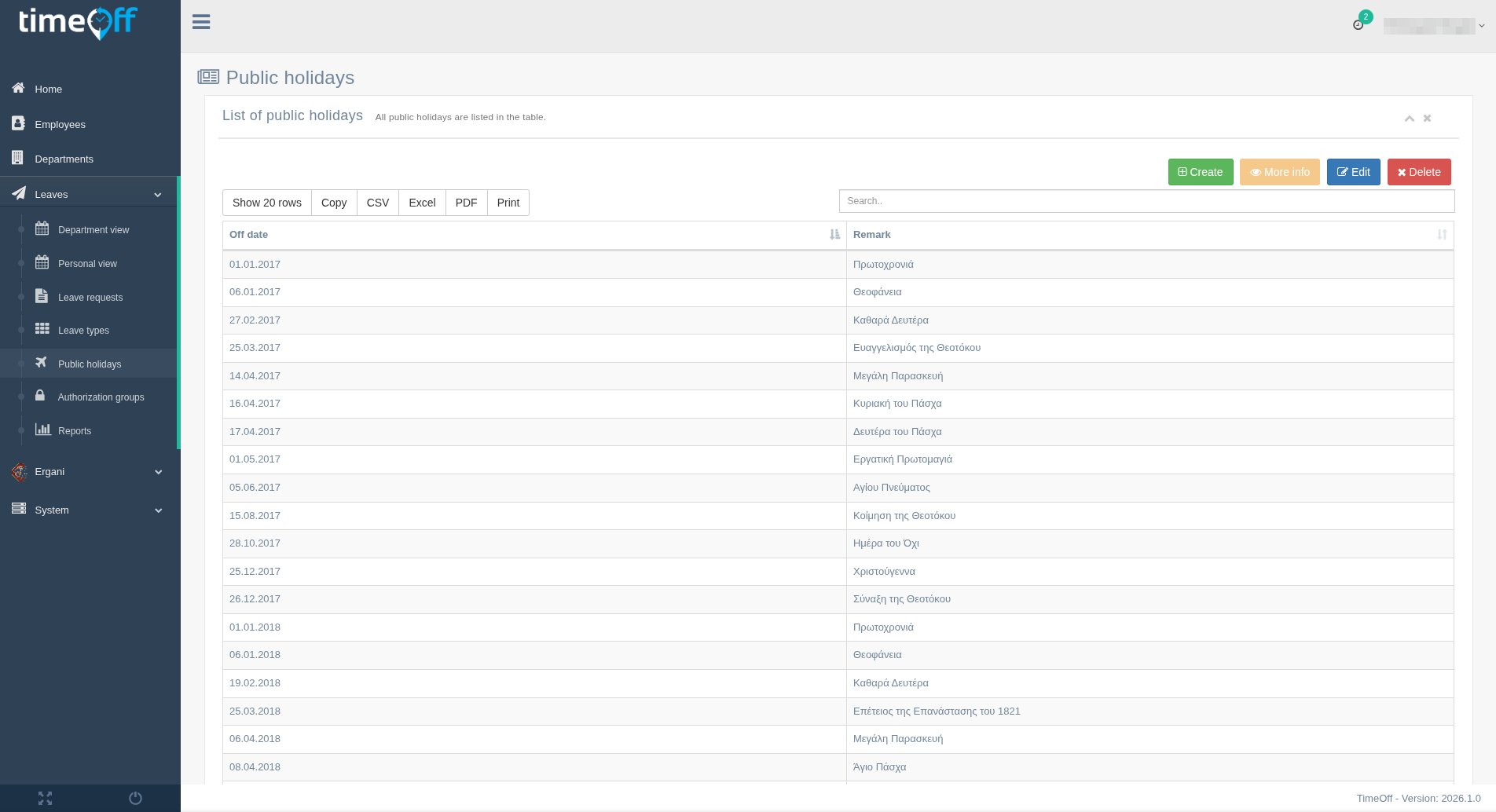
Public holidays
Keep excluded dates organised and aligned with your planning rules.
Manage public holidays by country, office, or company or organisation policy so leave calculations and scheduling remain accurate and consistent throughout the year.
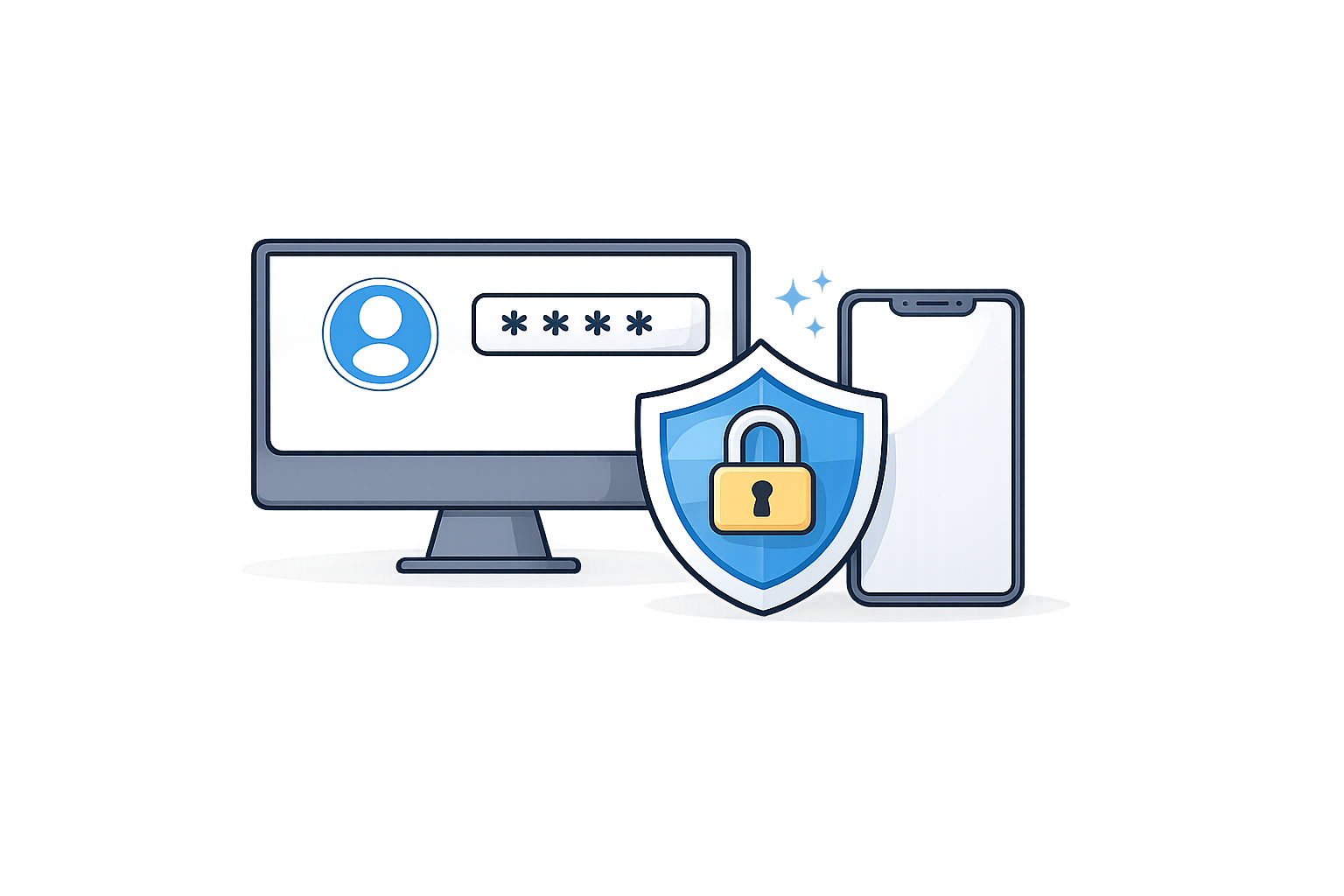
Two-factor authentication (2FA)
Add an extra layer of protection to account access.
With 2FA enabled, signing in becomes more secure, helping reduce the risk of unauthorised access and strengthening protection for employee-related data.